Notification Center
Stay on top of everything happening across your Studios, Projects, and network — task assignments, likes, invites, and removals all land in one place.
For Novices
The bell icon in the top nav is your one-stop feed for anything that needs your attention — check it whenever the orange badge shows a number.
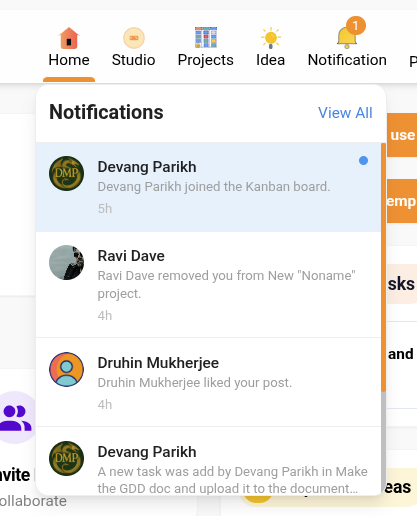
The bell icon in the main navigation, with an unread-count badge.

Clicking the bell opens a quick-glance dropdown of your most recent notifications.
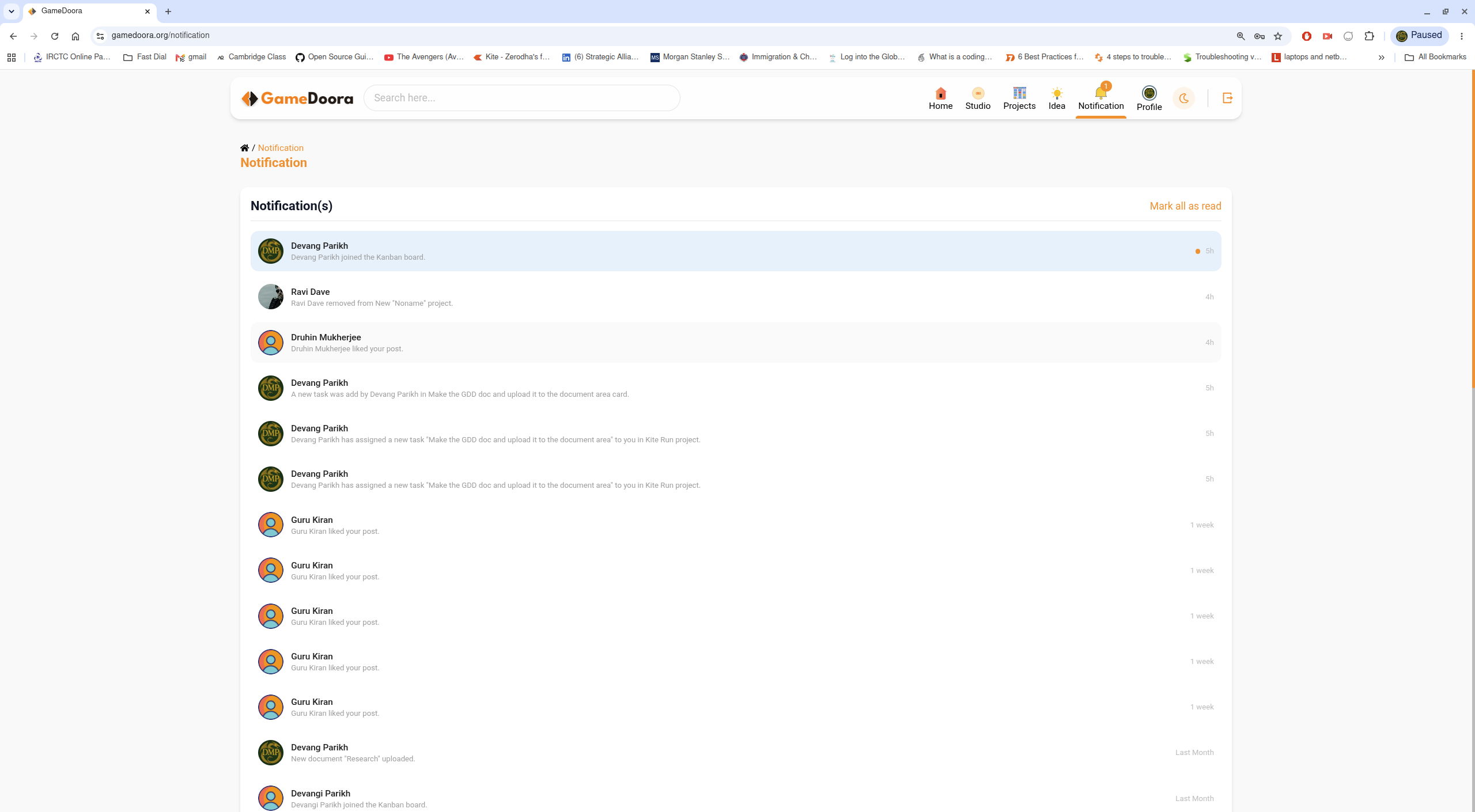
The full Notification page — every update, oldest to newest, with bulk actions.
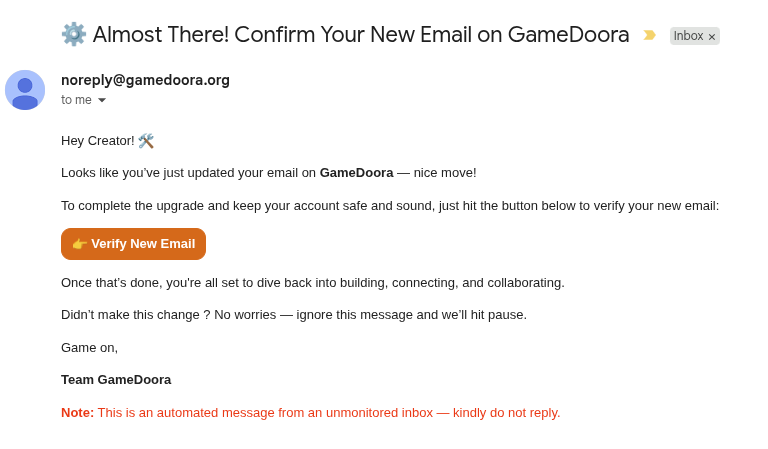
Some notifications are also delivered to your inbox, like this account email.