
Social Fabric
Gamedoora's professional network layer — discover creators and studios, follow their work, post to the Community Feed, and turn connections into real collaborations.
For Novices
Start by following a few studios and people in Discover — your Community Feed only gets useful once you follow enough accounts to fill it.
The Community Feed — switch between personal, studio, and recruitment posts.
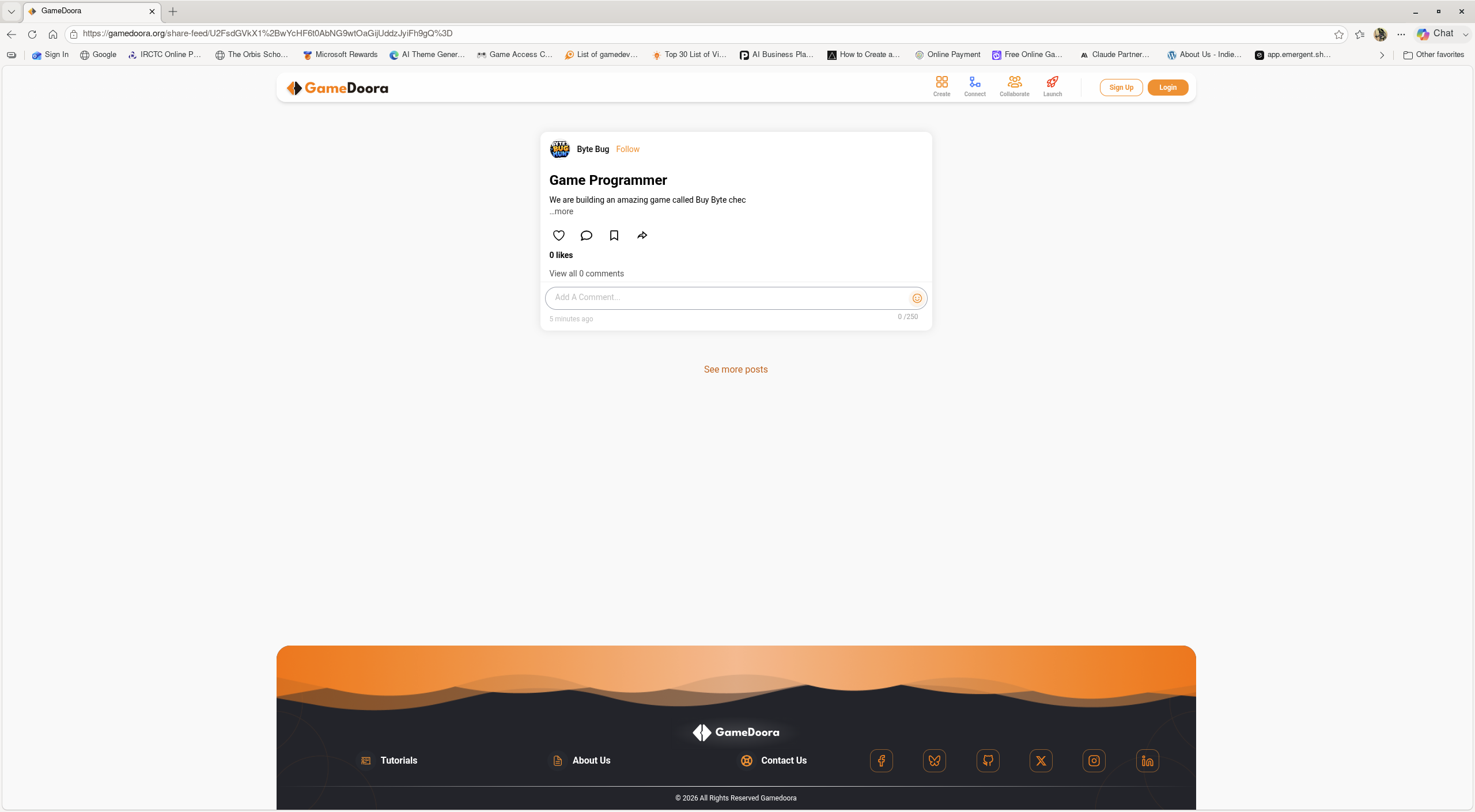
Search Users & Follow
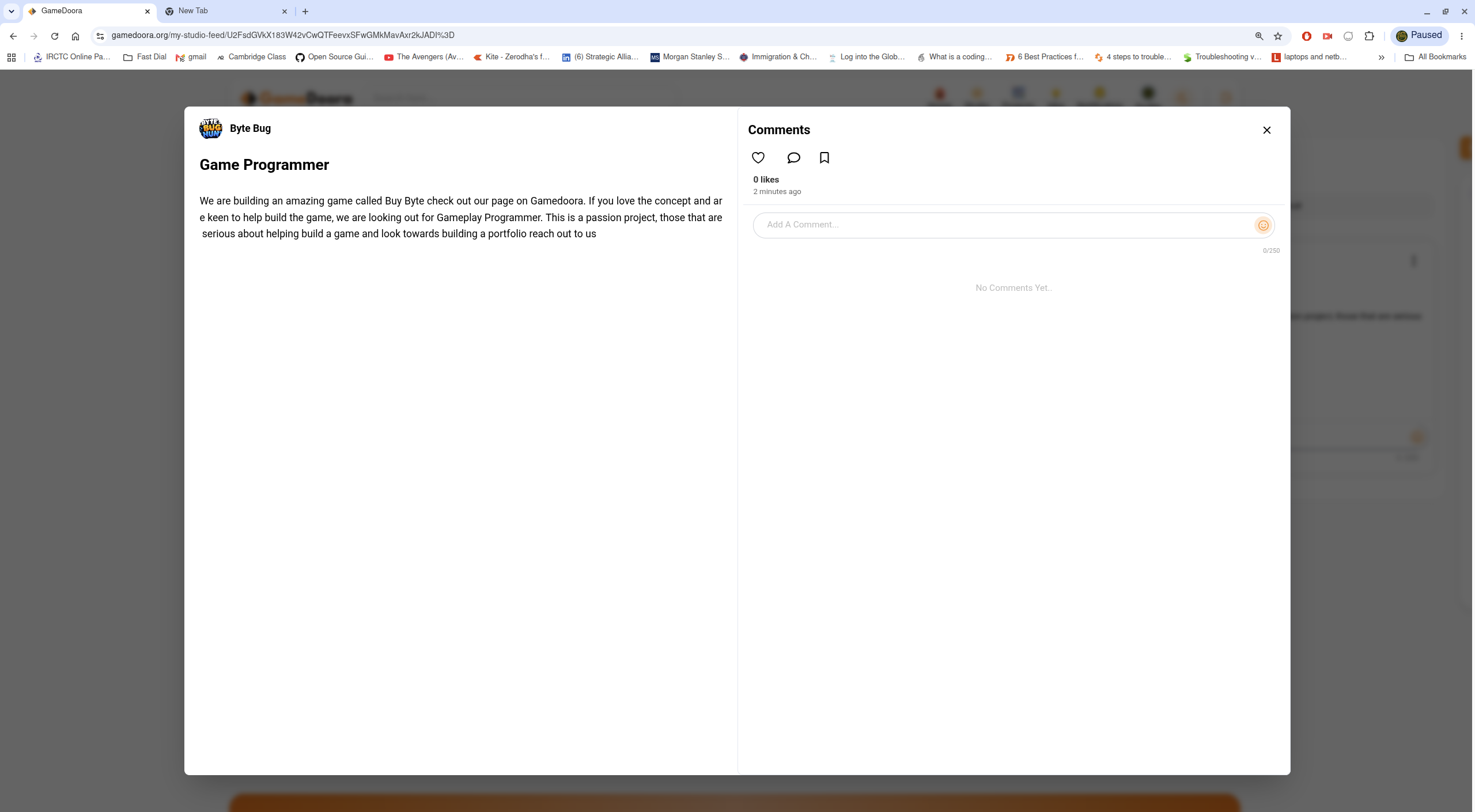
Every post supports likes, comments, and bookmarking.
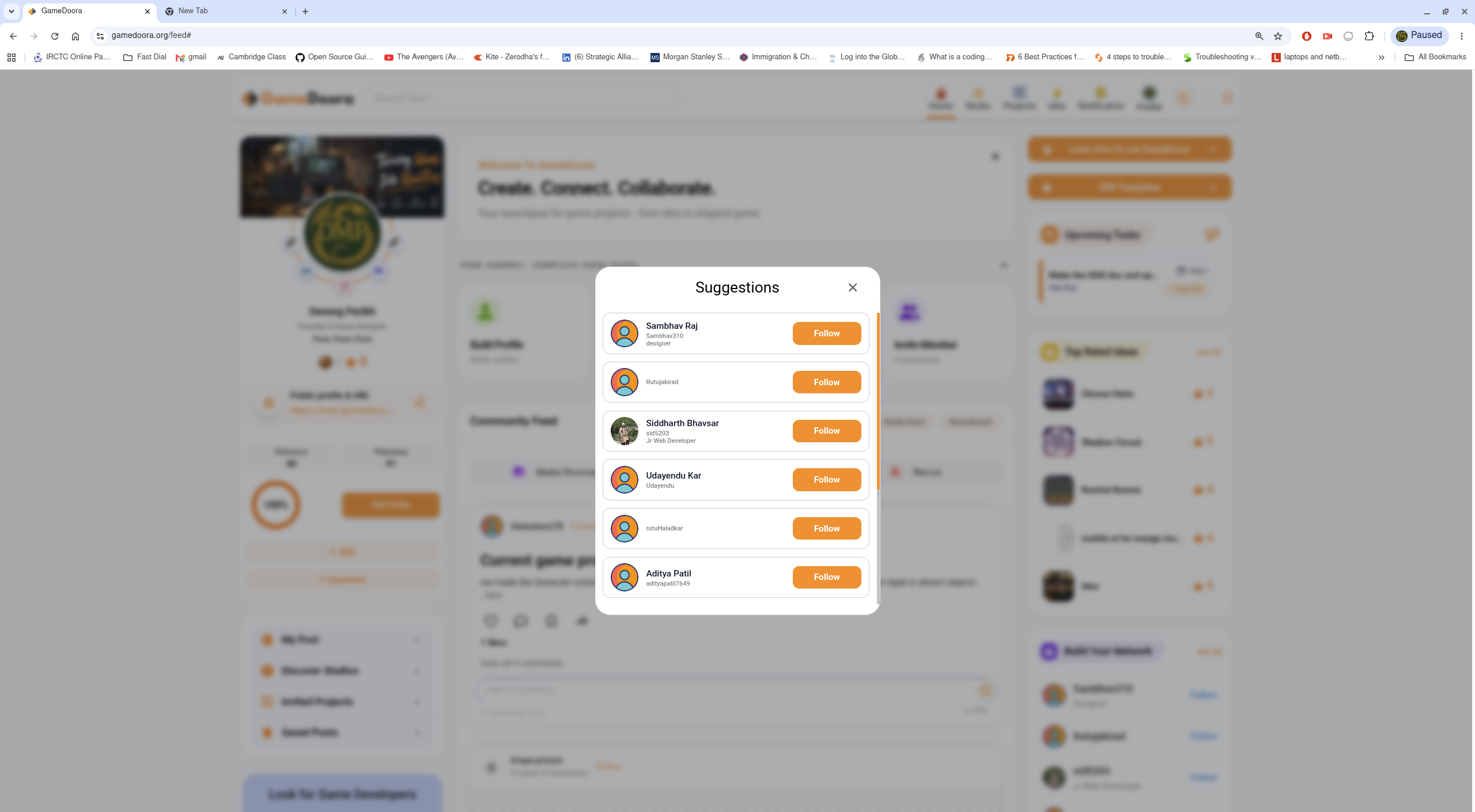
Build Your Network — suggested people to follow based on your activity.
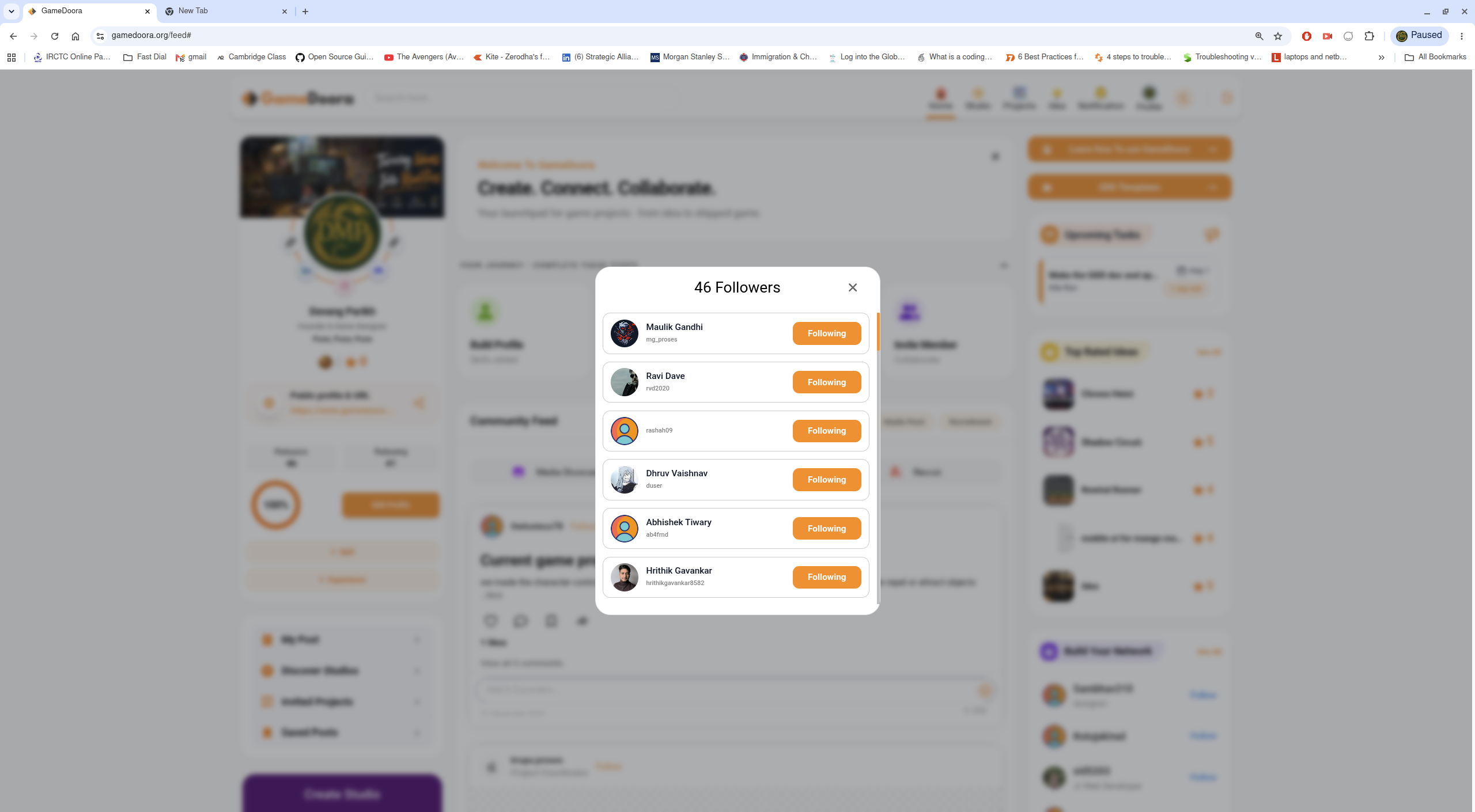
Your Followers list, each with a quick Follow-back action.
Your Following list — everyone whose updates appear in your feed.
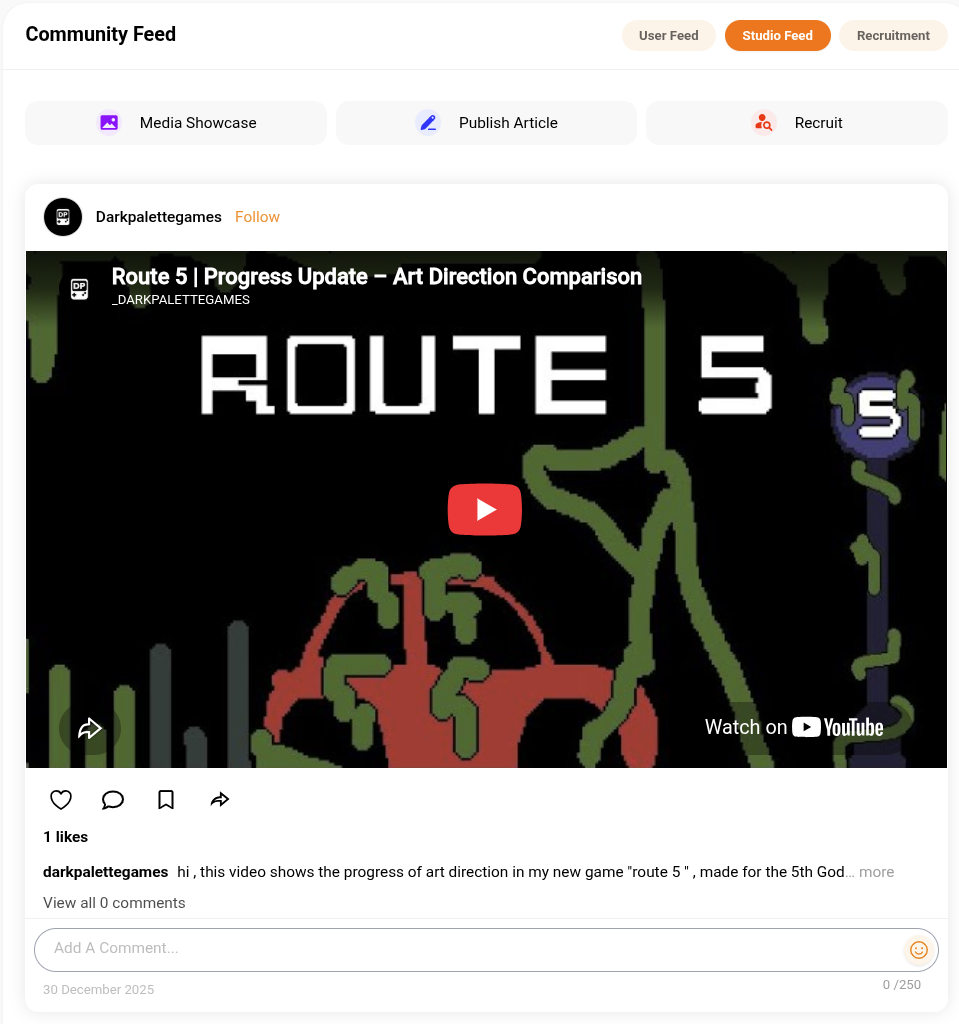
The Studio Feed tab — updates from studios you follow, including embedded video progress updates.
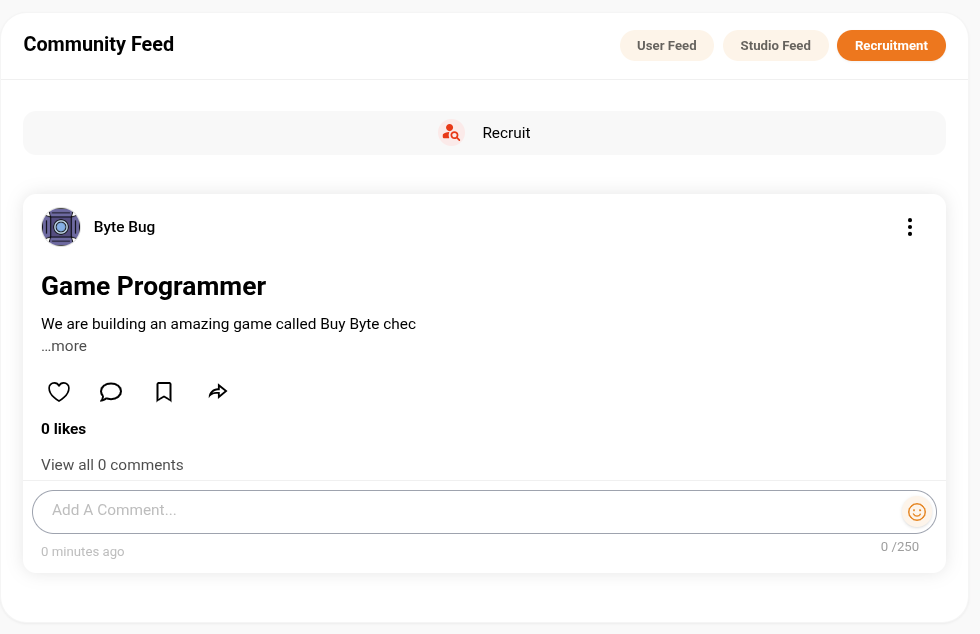
A Recruitment post — studios and creators posting open roles.
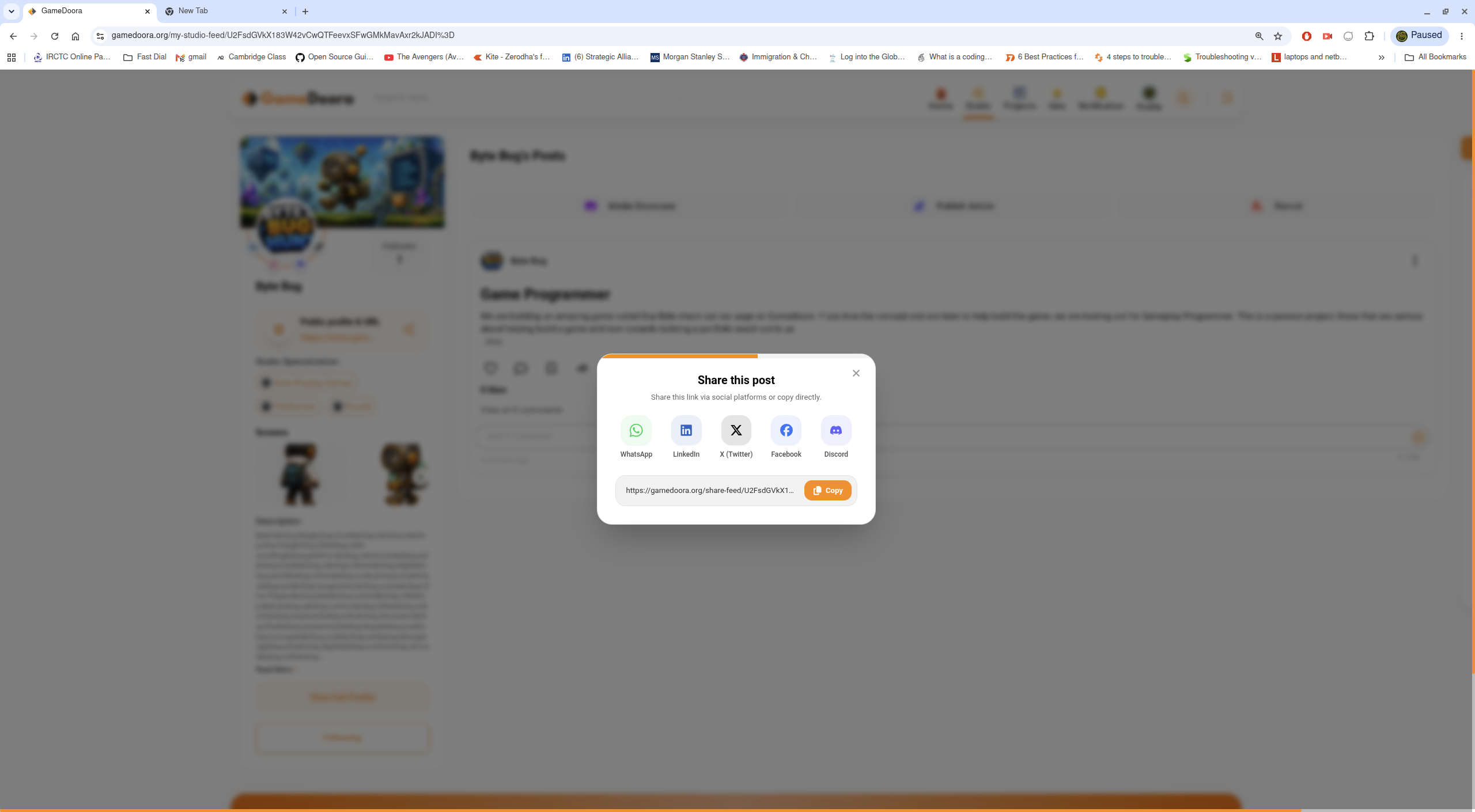
Share a post outside Gamedoora via social links or a copyable URL.
Discover & Follow
Browse creators and studios by skill or activity, and follow the ones whose work you admire.
Community Feed
Post Media Showcases and long-form articles to the User or Studio Feed, and follow Recruitment for open roles.
Build Your Gang
Grow your network with follow suggestions, and keep track of your Followers and Following lists.
Recruit & Collaborate
Post open roles to the Recruitment tab and turn feed connections into real Studio and Project collaborations.